
News
Explore Music Wall Feature on Samsung Smart TV

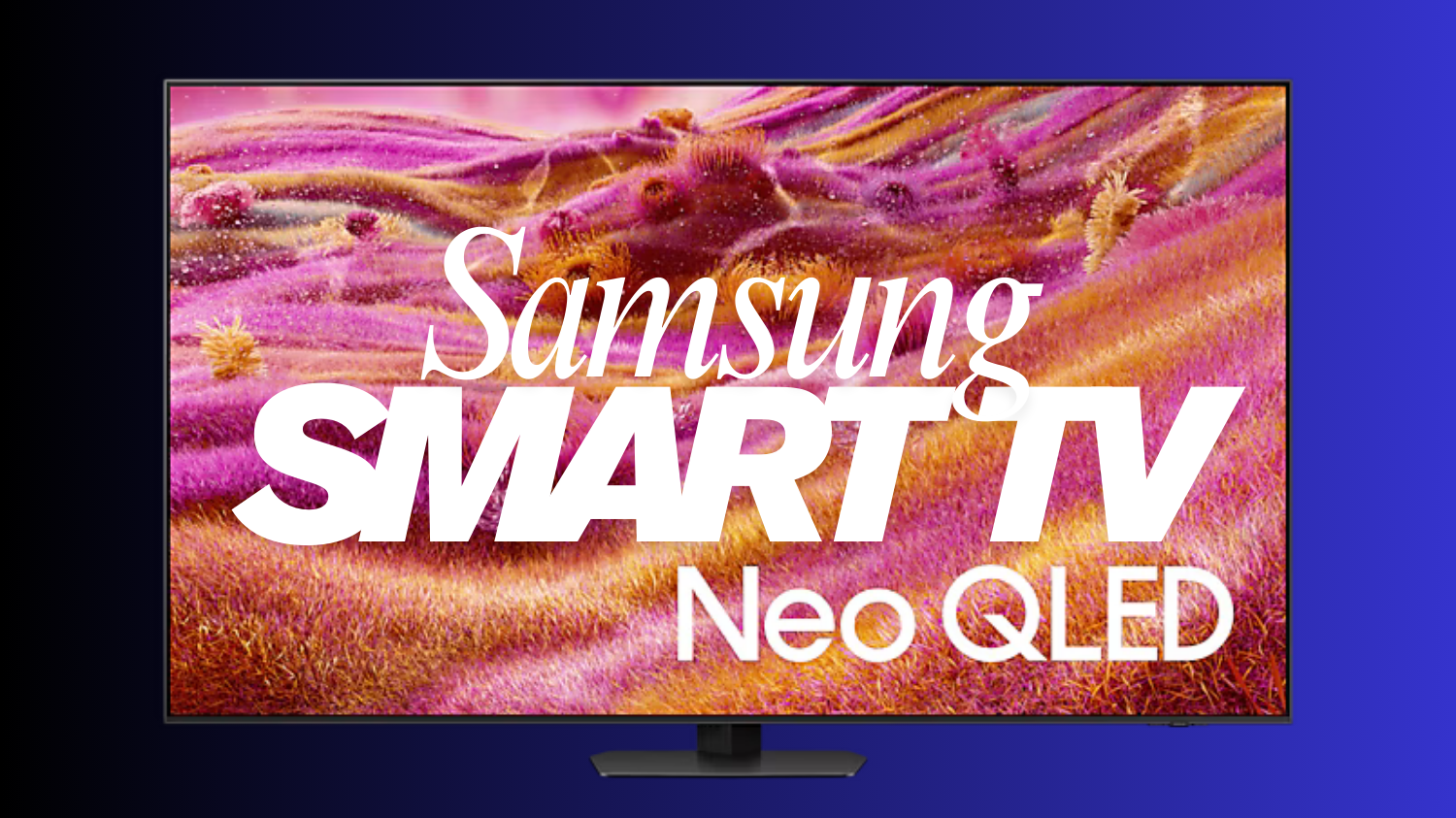
In Samsung Smart TV you can easy enable the most useful features which everyone needs nowadays. With Samsung Smart TVs, music enthusiasts can enjoy a personalized Music Wall, opening the door to incredible audio experiences. You can play music from your phone on your Samsung Smart TV speakers and bring your music to life.
You can follow the below steps to experience the ‘Music Wall’ feature on your Samsung Smart TV.
Step 1: Go to your phone’s Bluetooth settings and select your TV
Step 2: Now, select ‘Allow’ on the TV and then tap ‘Pair’ on your phone
Step 3: You will hear music playing through the TV’s speaker, automatically
Check some settings if it won’t work
Here are the steps for that:
- Go to ‘Menu’.
- Then, go to ‘Settings’.
- After that, go to ‘All Settings’.
- Then, select device connection manager and from there go to the device’s ‘list’.
- Finally, go to your device ‘name’ and select ‘Allow’.
7 tips and tricks to make your Samsung TV even better
At the heart of it all is Tizen OS, Samsung’s cutting edge operating system that has a ton of features.
Tailor home screen recs to your liking
While ads are inescapable, you can tailor those shown to you by the apps and content you like. To do this head to the very bottom of the Home screen and click “Media Options,” then enter into “Preferences.”
Turn off data sharing
While you can do this online, you may also want to set it up on your TV as well. Head to “Settings” then “Support,” and scroll to “Terms & Policies” and click “Privacy Choices.” You should see an option for “Viewing Information Services,” which is Samsung’s fancy way of saying Automatic Content Recognition (ACR). Make sure this is deselected and you’re good to go.
Start using multi-view
Multi-view works with practically every input and onboard platform, including all of the following:
- HDMI sources (STB/Console/OTT box/BDP/Laptop etc)
- Tuner
- Mobile mirroring (Android/iOS)
- Laptop mirroring (iOS/Windows10↑)
- YouTube Casting
- USB camera
- SmartThings camera
- Ambient (Clock/Weather)
Pin apps to app row and rearrange them
- Head to Connected Devices” at the top of the screen.
- Navigate to the app or input you want to use.
- Select “Add to Home”
Tweak quick settings
The full list of quick settings includes:
- All Settings
- Wi-Fi
- Sound Output
- Game Mode
- Brightness
- Picture Mode
- Sound Mode
- Intelligent Mode
- Bluetooth Devices
- Multi-View
- Sleep Timer
- Caption
- Digital Output Audio Format
- Picture Clarity
- Clear Tone
- Energy Saving Solution
- Power and Energy Saving
- Support
Access the internet app
Surprisingly, there’s actually an Internet app on Samsung TVs that’s perfect for a variety of use cases if a particular app isn’t available or if you need to search something on the fly when your phone or laptop isn’t at arm’s length. It’s a handy tool that every Tizen owner should know exists, especially if you like shopping or browsing social media on your TV.
Setup Alexa over Bixby
I can be the first to tell you that Bixby is not the most intelligent voice operated assistant. I tried using Bixby during my review of the Samsung S90D OLED TV and it did not go very well.
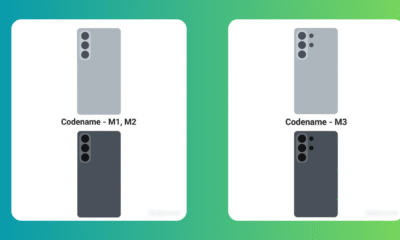



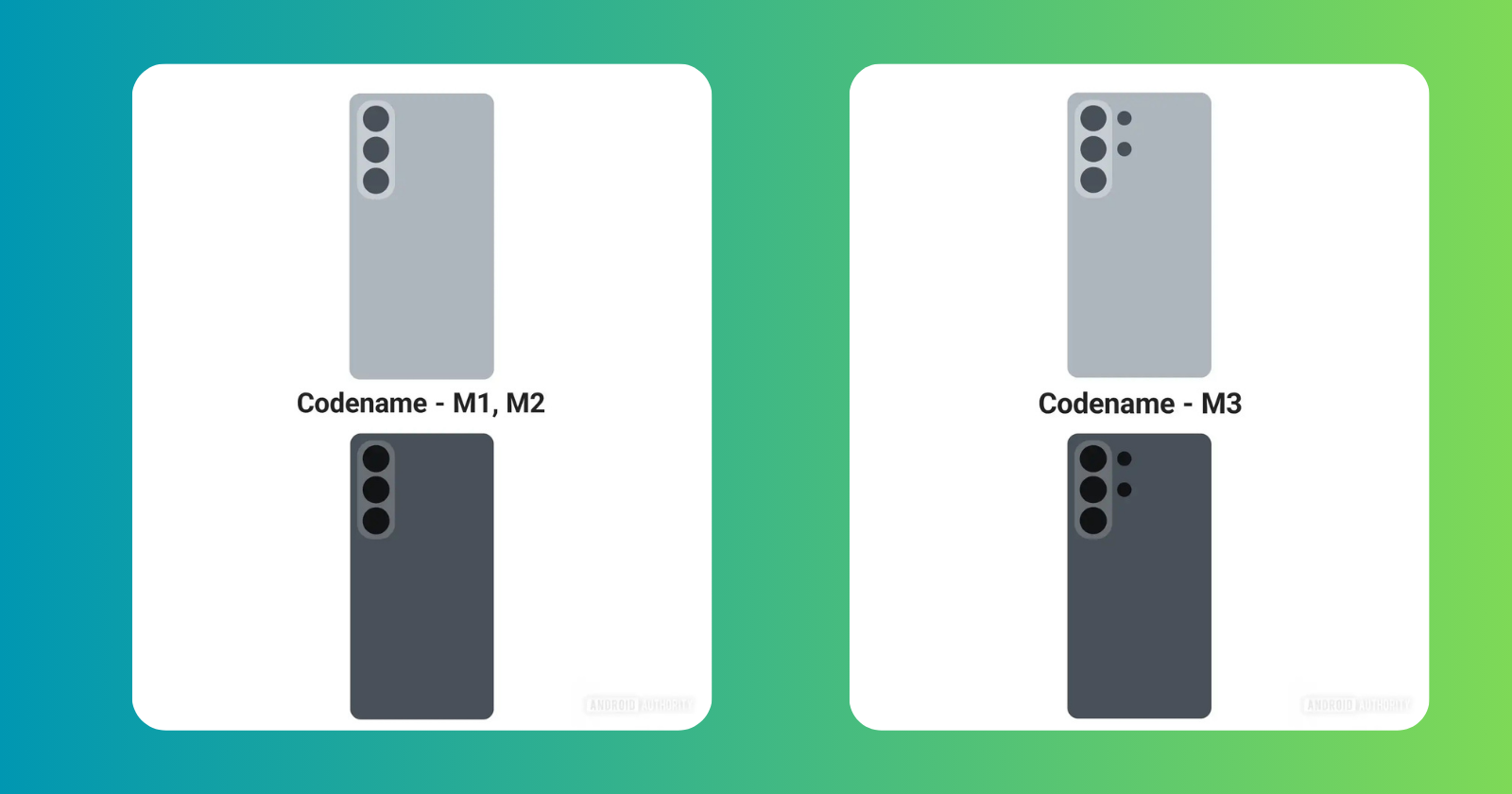
Samsung is all set to introduce the Galaxy S26 series early next year. Now, it looks like Samsung’s own One UI 8.5 software includes renders of the new Android flagships.
As per the renders, the first render shows a phone with the codenames M1 and M2, while the second image shows a phone with the codename M3. Previous leaks confirm that M1 and M2 apply to the base Galaxy S26 and Galaxy S26 Plus. Meanwhile, the M3 codename has been linked to the Galaxy S26 Ultra.
The renders also seem to suggest that the Galaxy S26 Ultra will indeed have slightly rounder corners. Then again, these renders spotted in leaked One UI 8.5 are crude enough that they don’t even represent the LED flash, so take the accuracy of the finer details with a pinch of salt.
Like the Galaxy S26’s design, which is a refinement of the current S25 series aesthetic, the upcoming One UI 8.5 update is a refinement of the existing One UI 8.0 firmware. They’re both based on Android 16.
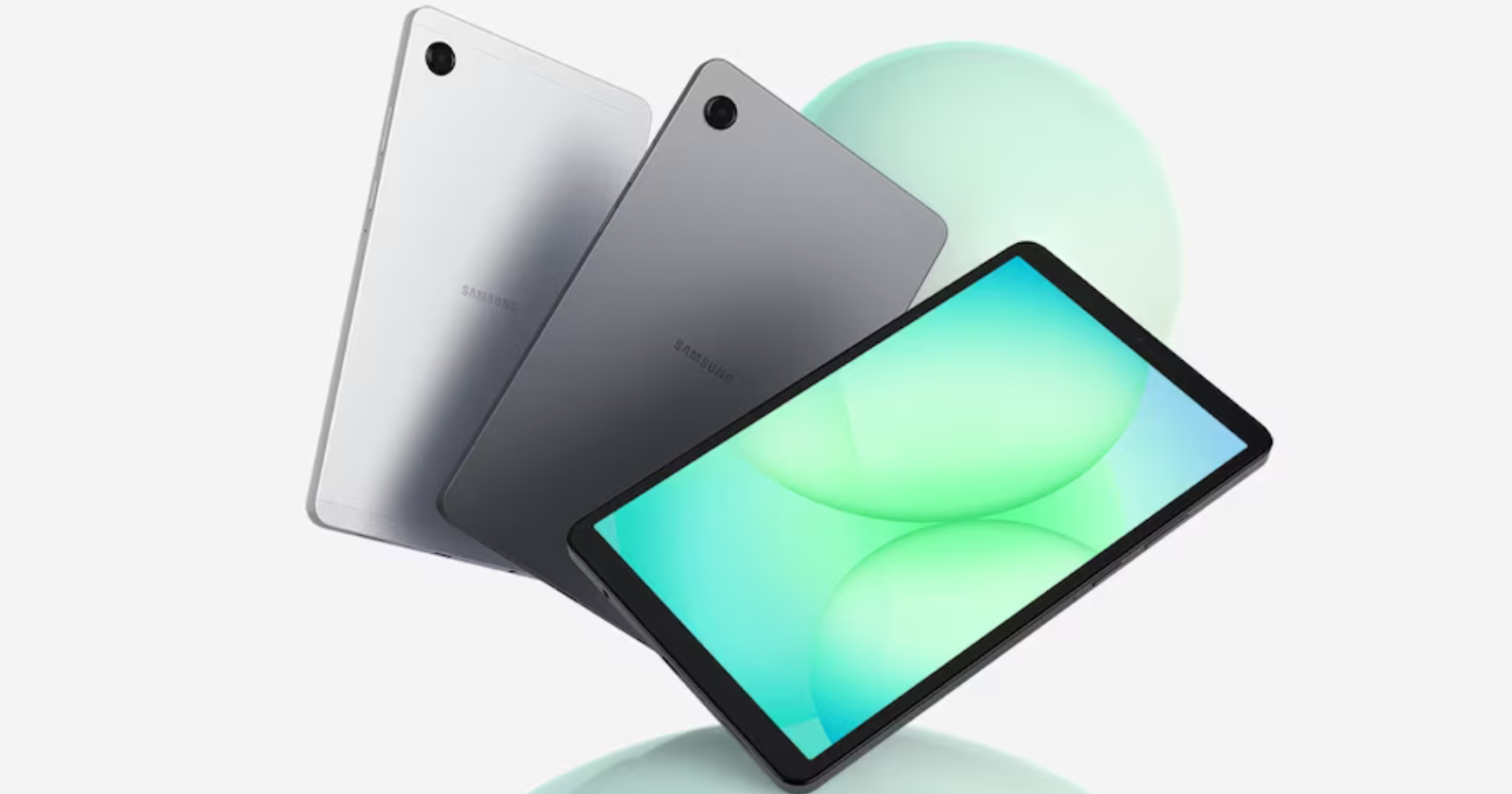
Samsung Galaxy Tab A11+ introduced in India. The latest Galaxy A series tablet was launched in several global markets in September, and it has now been introduced in the country.
In India, the device will be available in Wi-Fi-only and cellular + Wi-Fi connectivity options across two storage configurations, for a total of four variants. It features an 11-inch TFT display which is powered by a 7,040mAh battery with a 25W wired charging support.
Samsung Galaxy Tab A11+ Price and Availability
As mentioned above, the tablet is available in four variants across connectivity and storage configurations. In the 6GB RAM + 128GB inbuilt storage configuration, the Wi-Fi-only variant of Samsung Galaxy Tab A11+ is priced at Rs. 22,999, while the Wi-Fi + cellular (5G) variant is available to purchase for Rs. 26,999.
Coming to the 8GB RAM + 256GB inbuilt storage configuration, the Samsung Galaxy Tab A11+ variant with only Wi-Fi connectivity is priced at Rs. 28,999, whereas the Wi-Fi + cellular option will be available for Rs. 32,999.
Samsung Galaxy Tab A11+ Specifications
As per the specifications are concerned, the Samsung Galaxy Tab A11+ features a 11-inch TFT LCD screen with up to 90Hz refresh rate and Dolby Atmos supported quad speakers. It is equipped with a Mediatek MT8775 processor paired with up to 8GB of RAM and 256GB of inbuilt storage.
Coming to optics, the Samsung Galaxy Tab A11+ sports a 8-megapixel single rear camera with auto focus and a 5-megapixel front camera for selfies and video calls.
The Wi-Fi-only variant of the Galaxy Tab A11+ weighs 477g, whereas the Wi-Fi + cellular variant weighs 482g. The tablet gets a IP52 rating for dust and splash resistance. The device is backed by a 7,040mAh battery along with a 25W wired charging support.
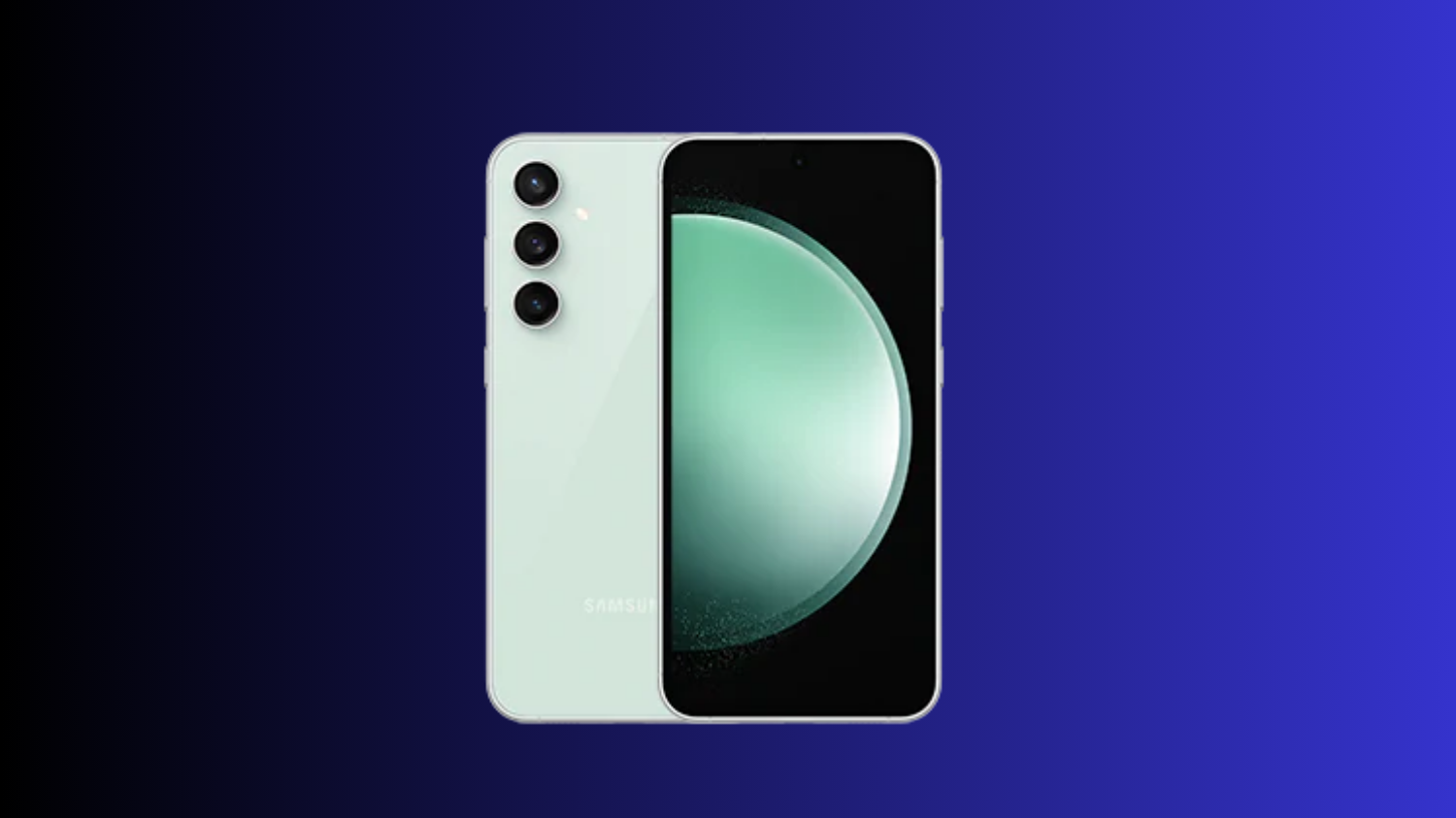
Samsung has started rolling out the November 2025 security update for the Galaxy S23 FE smartphone users. For now this update is rolling out in India, with a wider rollout expected in other countries soon. This update ensures that Galaxy S23 FE users have a safer and more stable experience while using their devices.
November 2025 security update for Galaxy S23 FE comes with One UI build version S711BXXSCFYK3 and has a download size of approximately 270MB. Just download the latest update via tapping on Software update > Download and install.
Samsung Galaxy S23 FE Specifications
Samsung Galaxy S23 FE mobile was launched on 4th October 2023. The phone comes with a 120 Hz refresh rate 6.40-inch touchscreen display (FHD+). The display sports Gorilla Glass for protection. Samsung Galaxy S23 FE is powered by an octa-core processor. It comes with 8GB of RAM. The Samsung Galaxy S23 FE runs Android 13 and is powered by a 4500mAh non-removable battery. The Samsung Galaxy S23 FE supports wireless charging, as well as proprietary fast charging.
As far as the cameras are concerned, the Samsung Galaxy S23 FE on the rear packs a 50-megapixel primary camera; a 12-megapixel camera, and an 8-megapixel camera. It has a single front camera setup for selfies, featuring a 10-megapixel sensor.
The Samsung Galaxy S23 FE runs One UI 5.1 is based on Android 13 and packs 128GB, 256GB of inbuilt storage. The Samsung Galaxy S23 FE is a dual-SIM (GSM) mobile that accepts Nano-SIM and Nano-SIM cards. It was launched in Cream, Graphite, Mint, and Purple colours. It features an IP68 rating for dust and water protection.

Samsung outed Galaxy S26 series designs

Samsung Galaxy Tab A11+ Launched in India

Samsung Galaxy S23 FE November 2025 security patch update rolling out

8+ Samsung Keyboard Tips for enhanced Typing Experience

Samsung One UI 8 Beta: Countries List

Samsung One UI 8 October 2025 Rollout Plan
-
 Tutorials7 months ago
8+ Samsung Keyboard Tips for enhanced Typing Experience
-
 News6 months ago
Samsung One UI 8 Beta: Countries List
-
 News5 months ago
Samsung One UI 8 October 2025 Rollout Plan
-

 One UI7 months ago
One UI 8: Samsung biggest step in mobile experience
-
 News5 months ago
Samsung Galaxy S25 and S24 – October 2025 Update
-
News7 months ago
One UI 8 Beta 5 for Galaxy S25 details
-
 One UI5 months ago
One UI 9 details confirmed in leaked Samsung One UI 8.5 version
-
 News5 months ago
Samsung One UI 8 Countries List